
Smartwatch battery life usually runs from about one day on full-featured models to several days on simpler ones. Screen brightness, the always-on display, GPS, and cellular connectivity cause most of the drain. You can add hours, and sometimes days, by changing a handful of settings.
Most people notice the problem the same way: the watch hits 15% by mid-afternoon. It feels like a defect, yet it usually isn’t. A smartwatch packs a bright display, several sensors, and a radio into a battery smaller than a coin. This guide covers what actually drains it, which popular tips are myths, and what works.
What Is a Normal Smartwatch Battery Life?
Normal smartwatch battery life depends on the platform. Full-featured watches such as the Apple Watch and most Wear OS models typically need charging every day or two. Fitness-first watches from brands like Garmin often last several days. Always check the manufacturer’s rated figure for your exact model, since those numbers assume modest use.
Your own habits move that number up or down, often by a lot. A runner using GPS for an hour a day will see a very different result from someone who mostly checks the time.
What Drains a Smartwatch Battery the Most?
Not every feature costs the same. This table ranks the usual suspects.
| Feature | Drain level | Easy fix |
|---|---|---|
| Always-on display | High | Turn it off, or use it only at certain times |
| Continuous GPS | High | Use GPS only during workouts |
| LTE/cellular | High | Stay on Bluetooth when your phone is nearby |
| Screen brightness | Medium–high | Lower it a few notches |
| Constant heart-rate checks | Medium | Reduce the sampling frequency |
| Notifications and haptics | Medium | Allow only the apps you need |
| Raise-to-wake | Low–medium | Use a tap or button wake |
An AMOLED or OLED screen shows black pixels by turning them off, so dark watch faces help. LCD-style displays don’t get that benefit.
How to Extend Smartwatch Battery Life: A Practical Order
Start with the changes that save the most and annoy you the least.
- Switch to a dark, simple watch face. Skip animated faces with lots of live complications.
- Turn off the always-on display. For many people this single change adds the most time.
- Trim notifications. Every buzz wakes the screen and runs the motor. Keep calls, messages, and calendar alerts. Mute the rest.
- Lower brightness. You can read a display at moderate brightness indoors without squinting.
- Adjust sensor settings. Reduce heart-rate sampling and disable blood-oxygen or sleep tracking if you never look at the results.
- Save GPS for workouts. Phone-connected GPS, where your model supports it, can drain less than the watch’s own receiver.
- Use battery-saver mode on long days. It trims background activity, though it also disables some features.
Here’s a real-world example. Say you walk the dog every morning with GPS running, get 80 notifications a day, and keep the always-on display lit. Cutting notifications to the essentials and switching the always-on display off would likely buy you a noticeably longer day without touching your workout tracking.
Smartwatch Battery Myths Worth Dropping
“Closing apps saves power.” Watch operating systems manage background apps on their own. Force-quitting them usually accomplishes little and can make the watch reload them later.
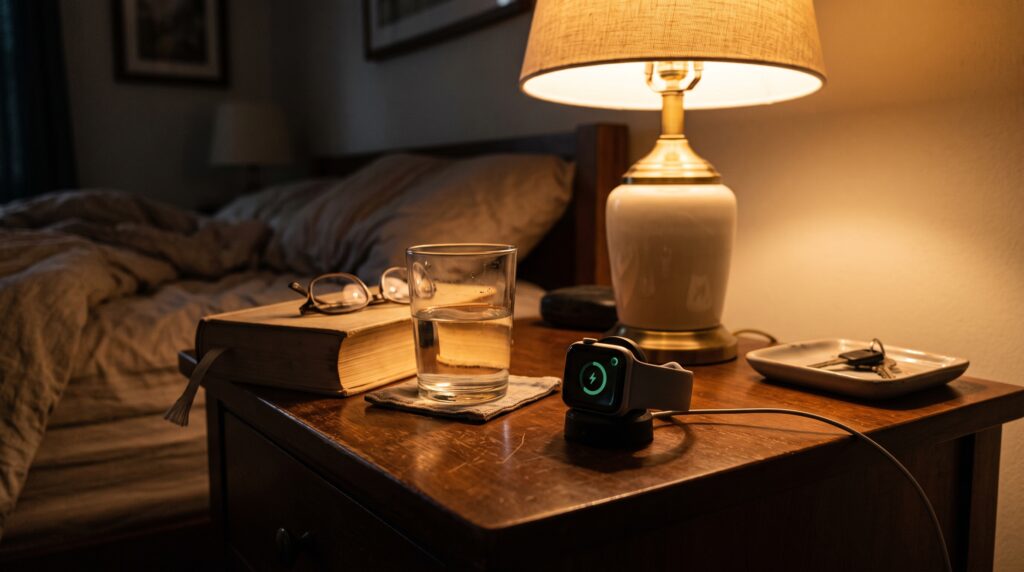
“Charging overnight ruins the battery.” Modern watches stop charging at full capacity, and many offer optimized charging. Heat does more harm than a night on the charger.
“You must drain it to zero before charging.” That advice dates back to older battery types. Lithium-ion cells prefer partial charges, and regularly hitting zero adds wear.
“Airplane mode fixes everything.” It helps if you want maximum savings, but you lose notifications and connectivity.
“Third-party chargers are always fine.” Quality varies. A poorly made charger can overheat the battery or charge it unevenly, so stick with the official one or a certified alternative.
Mistakes That Quietly Shorten Battery Lifespan
Daily battery life and long-term battery health are different problems. Several habits hurt the second one:
- Leaving the watch in a hot car or on a sunny windowsill
- Charging it under a pillow or in a thick case
- Running at 0% for days, then charging to 100% every time
- Ignoring software updates, which often include battery fixes
Keeping the watch cool and avoiding extremes does more for its long-term capacity than any app.
When It’s Time to Replace the Battery
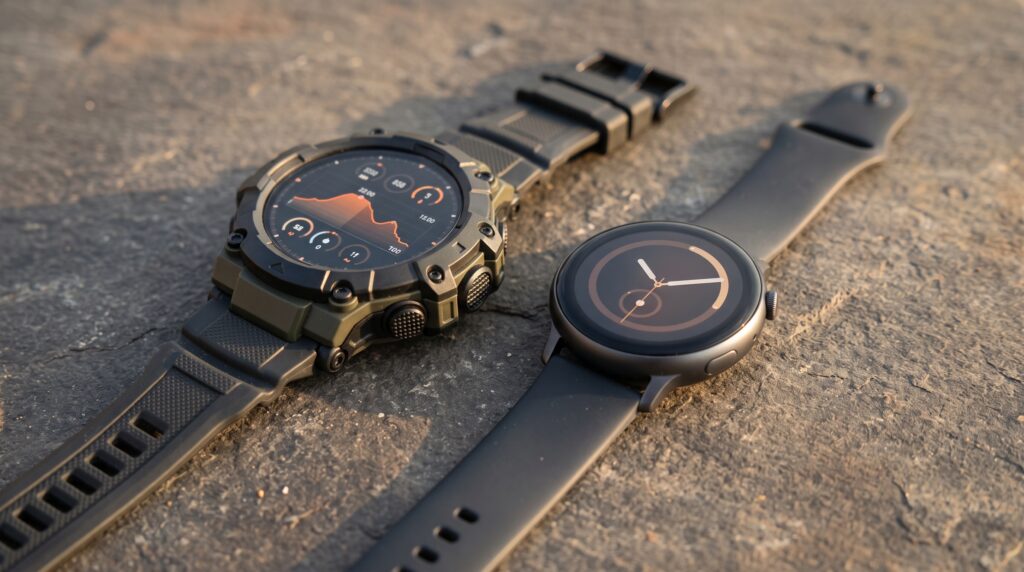
Lithium-ion batteries lose capacity gradually. If your watch dies hours earlier than it did when new, even after you’ve tuned your settings, the battery may simply be worn out. Many manufacturers offer battery service, which can cost far less than a new watch. Swelling, a lifting screen, or unusual heat means you should stop using it and get it checked.
Frequently Asked Questions
How long should a smartwatch battery last?
Plan on one to two days for most full-featured smartwatches, and several days for fitness-focused models. Your features, screen settings, and workouts change that.
Why is my smartwatch battery draining so fast?
The likely causes are the always-on display, GPS, LTE, high brightness, and heavy notifications. A recent software update or a faulty app can also cause sudden drain.
Does the always-on display drain the battery?
Yes. It keeps the screen lit all day and often cuts battery life significantly. Turning it off is usually the biggest single saving.
Is it bad to charge a smartwatch overnight?
Usually not. Most watches stop charging when full. Avoid heat, and use optimized charging if your watch offers it.
Should I charge my smartwatch to 100%?
It’s fine. Lithium-ion batteries wear slightly faster at extreme charge levels, so some people keep it between roughly 20% and 80% when convenient. That’s optional.
Does GPS use a lot of smartwatch battery?
Yes. GPS ranks among the most power-hungry features. Turn it on for runs and rides, and leave it off for everyday wear.
Does turning off Bluetooth save battery?
Sometimes, but you lose phone syncing and notifications. Lowering brightness and display settings saves more with less sacrifice.
How can I make my smartwatch last two days?
Use a dark face, turn off the always-on display, limit notifications, and use GPS only for workouts. Battery-saver mode covers the rest.
How often should I replace a smartwatch battery?
There’s no fixed schedule. Most people notice a clear drop in capacity after a few years of daily use.
The Takeaway
Smartwatch battery life comes down to a few big choices: the display, GPS, connectivity, and notifications. Fix those first, ignore the myths, and keep the watch cool. You’ll get more out of every charge.
Want more help getting the most from your wearables? Browse the smartwatch guides and reviews on Hasan Drops, and pick up the settings that suit your own routine.